

1. Prioritize. Don't spend all of your time studying for your first exam, only to realize that you now only have a day or two to prepare for the next one!
2. Make a Plan with Your Study Group. Make sure you all know what you're going to prepare before you meet up, and ensure that everyone knows what the group's goals are for each study session.
3. Go to Office Hours or Email the Professor. When you're grappling with a difficult question, don't be afraid to reach out or email the Professor to keep yourself from wasting hours looking for the answer.

Between classes, clubs, Mock Trial, and the Negotiation Competition, most 1L students (and 2 and 3L’s too) have a tough time staying organized. Part of learning how to be a successful lawyer is learning how to manage a busy schedule with a lengthy list of shifting priorities and deadlines. Here are some quick tips on how to stay organized in law school.
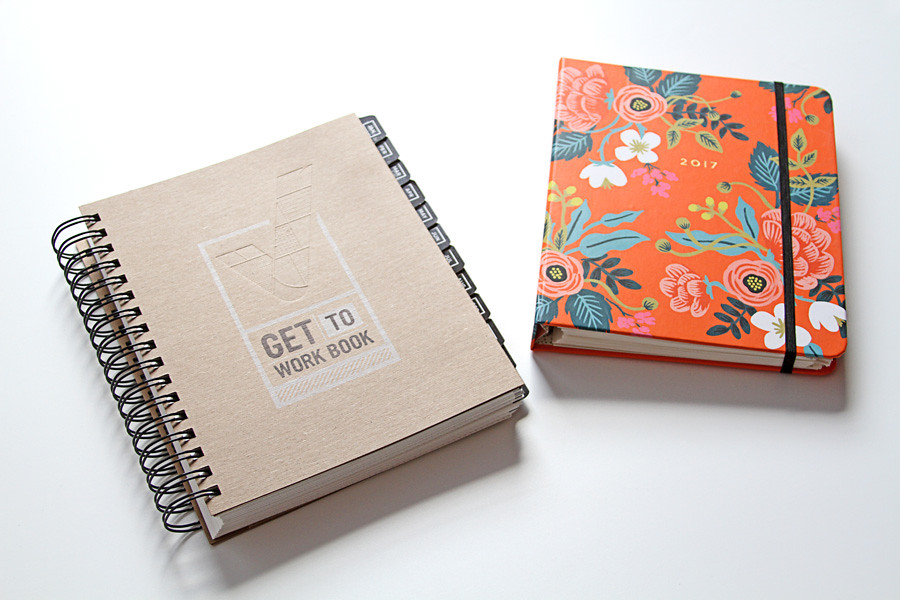

 Getting Things Done
by
Getting Things Done
by
The Circles

The basic format of this is pretty straightforward. Say you're sitting down to do work in the library after class. You know you need to do a 50 page torts reading and a hypothetical for crim. Take your best guess of how long these are going to take to do.
For each hour of work, draw a circle on your piece of paper that's big enough to write the assignments inside. Can't do the whole reading in an hour? Split it up into multiple circles! When you're ready to work, start a timer for an hour.
If you finish the work before the hour is up- you get to color in the circle. (Use those multicolored highlighters we all know you carry with you everywhere). If you didn't finish in time, put an X through the circle, finish the work, and start a timer for the next circle. The goal is that at the end of your work session you have a nice page of colored in circles! You can also make a page of circles for each day and add in things like cooking dinner and going to the gym!
The Buzzer

Similar to the circles in that the idea is to get you to actually focus for a chunk of time, the Buzzer method requires a bit of will power. Start by getting an actual timer (kitchen timers work, but you're not allowed to use your phone). Put your phone away, sit down with your assignment and start a timer for 45 minutes or an hour. You are now stuck in your seat for that block of time. No breaks!

Check out OneNote! It's free to download for UConn students on Mac and PC.
OneNote lets you sync your notes across devices, plus you can tag your notes for easier outlining!

Click on the photo above to watch a tutorial about how to use OneNote as a student, or check out the link below for one law student's OneNote strategy!
http://lawschooltoolbox.com/tech-correspondent-my-love-affair-with-microsoft-onenote/
 The Creative Lawyer
by
The Creative Lawyer
by
 The Introverted Lawyer
by
The Introverted Lawyer
by

